From deck list to a sheet ready to cut.
Paste the list, pick the prints you like and print the cards at their real size. Free, no account.
- 63 × 88 mm like a real card
- 300 / 600 / 1200 DPI
- A4, Letter, A3
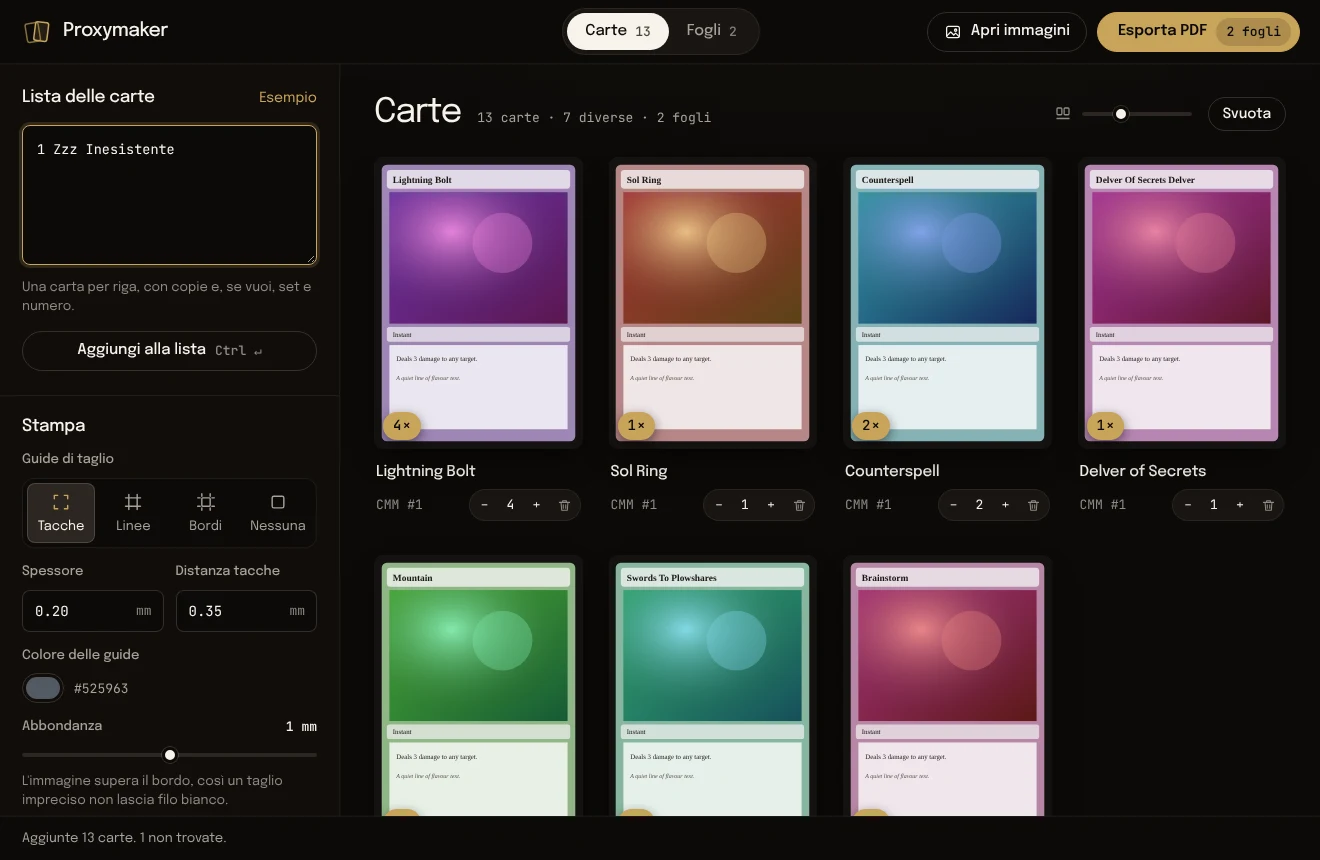
Three steps from the list to cards in hand.
Paste the list
One card per line, the way any deck site exports it, or the link to a Moxfield, Archidekt, TappedOut or MTGGoldfish deck.
Pick the prints
Click a card to see all its printings and languages. Blurry scans are marked, so you know what to swap.
Print and cut
Export the PDF, print it at 100% and cut along the guides. The test sheet checks that your printer doesn't enlarge it.
Made for the printer at home.
Every option does one job: cards of the right size, cut cleanly.
Cut guides4 styles
Corner ticks, continuous lines, or edge-to-edge lines broken over the cards.
Bleed0–2 mm
The image runs past the edge, so a slightly crooked cut leaves no white line.
Print quality300 / 600 / 1200
600 DPI is right almost always; 1200 for the finest scans.
Double-sided
The Proxymaker back or your own, already mirrored for long-edge printing. Double-faced cards too.
AI restoration
Only on individual low-quality scans, and you can turn it off.
Tokens and languages
The deck's tokens in one click, and cards in the language you prefer.
In the browser or on Windows.
Same features, same look. Pick by computer and deck size.
Online
- Nothing to install, works on Windows, Mac and Linux.
- Cards and the PDF are made on your computer: nothing is uploaded to a server.
- For very large decks at 1200 DPI, the Windows app is the better fit.
Windows app
- Faster with large decks and at 1200 DPI.
- AI restoration sped up by the graphics card.
- Tells you when a new version is out.
Free, and it will stay free.
No account, no ads, no paid features. If Proxymaker helps you, you can buy a coffee, but it changes nothing about what you can do.